 CodeKabir
Next.js development
Freelance Next.js developer for fast, search-friendly sites and apps
I build websites and web applications with Next.js and React: pages that load quickly, are readable by search engines, and connect cleanly to your CMS, APIs or back end. New projects, and features, fixes or upgrades on Next.js projects you already have.
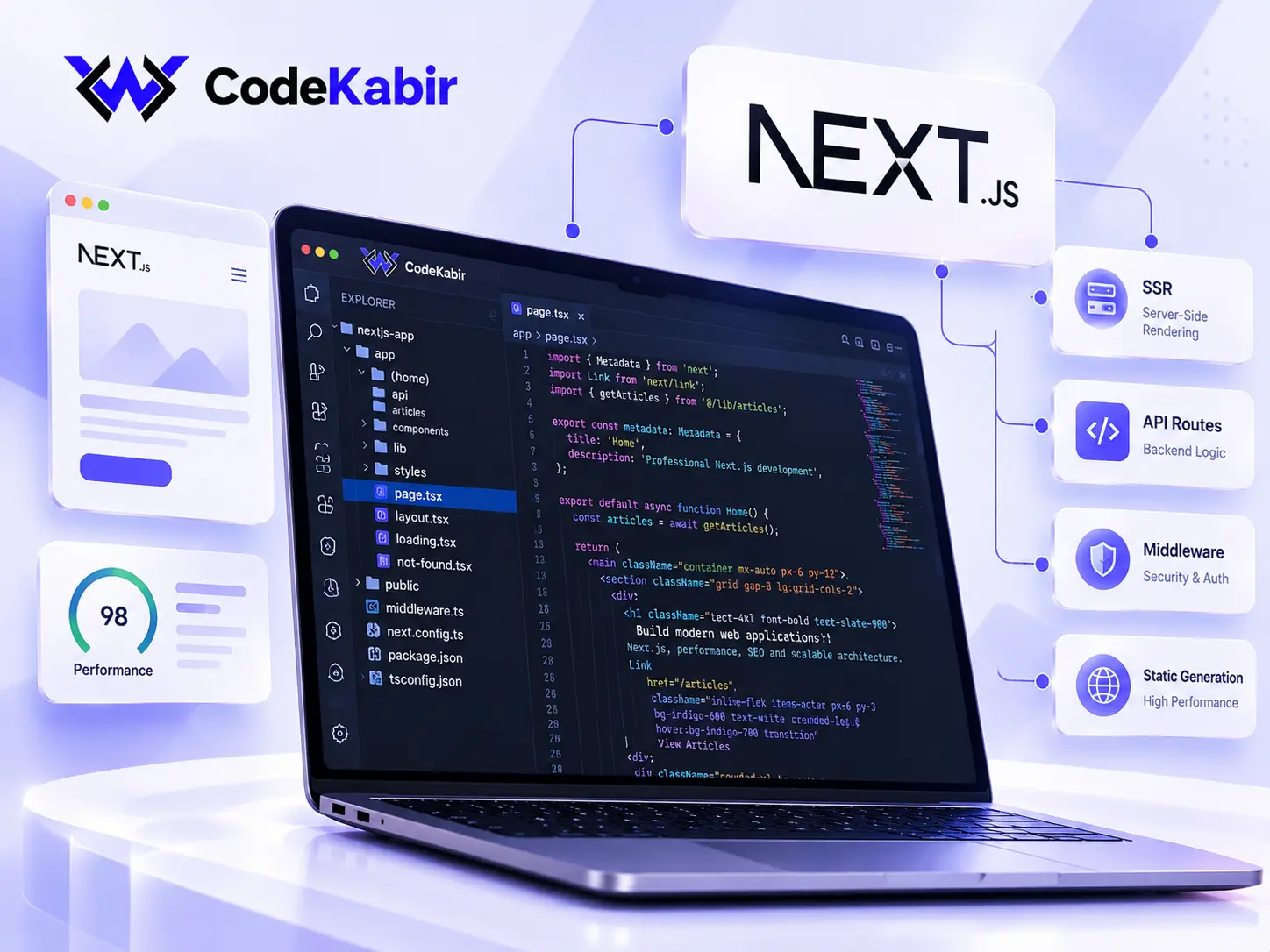
What I build with Next.js and React
Content & marketing sites
Fast, crawlable sites whose pages are generated ahead of time, with content from a headless CMS or from files your team can edit.
Web applications & dashboards
Logged-in areas, forms, data tables and dashboards built with React, where the interface has to stay responsive with real data.
Front ends for existing APIs
A Next.js front end on top of an existing back end, CMS or third-party API, with authentication and error handling done properly.
Existing Next.js projects
New features, bug fixes and upgrades for a Next.js application you already have, including moving from the Pages Router to the App Router.
Technical SEO architecture
Per-page metadata, canonical URLs, sitemaps, structured data, multilingual hreflang and correct status codes, built into the application.
Next.js performance
Measuring what's slow, then reducing JavaScript, optimising images and fonts, and caching where it's safe to.
Choosing how each page is rendered
Next.js lets each page be rendered in the way that suits it. Getting this right affects how fast pages load, how much hosting costs and whether search engines can read the content.
Generated ahead of time
Service pages, articles, landing pages. Fast to load, cheap to host and fully readable by search engines. Updated when content changes.
Rendered on each request
Pages that depend on who's asking or on data that changes constantly, such as search results or account pages.
Rendered in the browser
Highly interactive parts like editors or dashboards behind a login, where search visibility doesn't matter.
Most projects mix all three. Content that should rank is rendered on the server; private, interactive screens can rely on the browser.
Technical SEO built into the application
- Metadata per page. Unique titles, descriptions and Open Graph data generated from the page's content.
- Canonical and multilingual URLs. Each page declares its preferred URL, and translations are linked with hreflang.
- Sitemaps and structured data. Generated from the same source as the pages, so they stay in sync as the site grows.
- Correct status codes. Missing pages return a real 404, redirects are permanent where they should be, and nothing important depends on client-side JavaScript to appear.
In a framework, SEO mistakes tend to be systemic. One wrong canonical in a shared layout affects every page, and a loading state can turn a missing page into a "soft 404" that returns success.
Building these rules into the application, and checking the rendered HTML rather than just the code, avoids that class of problem.
Next.js performance
Performance work starts with measurement: lab tests for diagnosis and, where available, field data from real visitors. The usual culprits are large JavaScript bundles, unoptimised images and fonts, third-party scripts and data that's fetched more often than needed.
Fixes are prioritised by their effect on the pages that matter most to your business. Scores depend on content, hosting and third-party code, so I report measured before-and-after results rather than promise a number.
Existing projects and upgrades
Next.js moves quickly. Major versions change defaults and APIs, and security fixes are only published for supported versions, so a project left on an old version becomes harder to maintain. Upgrades are done step by step, with breaking changes checked against your code and the rendered output compared before release.
This site runs on Next.js with the App Router and was recently upgraded across several major versions in exactly that way.
Connecting the front end to your data
A Next.js application rarely works alone. It reads content from a headless CMS, calls your own API or third-party services, and often handles sign-in. Keeping credentials on the server, handling slow or failing APIs gracefully and caching responses sensibly are what make the result reliable.
When the back end is substantial, such as business rules, background jobs or a large database, I usually build it as a separate service. See Laravel back-end development for that side of the work.
How a Next.js project works
Requirements
Pages, data sources, user accounts, languages and SEO needs, or a review of the existing codebase.
Architecture & quote
How each part will be rendered, where data comes from, where it's hosted, plus a timeline and the quote.
Development
Built in a Git repository with preview deployments, so you can review each change before it ships.
Testing
Checks on real devices and browsers, of rendered metadata and status codes, and of performance on the key pages.
Launch & handover
Deployment, redirects from any old URLs, documentation, and ongoing development if you need it.
Next.js development questions
Answers to common questions about Next.js development, existing projects, performance, integrations and maintaining applications as the framework evolves.
Can you work on an existing Next.js project?
Yes. I review the codebase first: Next.js version, router, data fetching, dependencies and deployment. Then I estimate the work based on what's actually there.
Should we move from the Pages Router to the App Router?
Not always immediately. The App Router brings server components and a different data-fetching and metadata model, but the Pages Router is still supported. A gradual migration, route by route, is often the safest option. I can assess what it would involve for your project.
Will Next.js improve our search rankings?
Next.js gives you good technical foundations: server-rendered content, fast pages and full control over metadata. Rankings also depend on content, competition and links, so no developer can promise them. What I can make sure of is that technical issues aren't holding the site back.
Where should a Next.js application be hosted?
On Vercel or on your own Node.js server, depending on budget, traffic and the features you use. I'll recommend an option once the architecture is clear.
Do you also build the back end?
Yes. Simple back-end logic can live in the Next.js application itself. For larger systems, a separate back end, for example built with Laravel, is often the cleaner choice.
How much does a Next.js project cost?
It depends on the number of pages and features, the data sources and the integrations, so I don't publish prices. Describe the project and I'll send a quote.

Planning a Next.js site or app?
Tell me what you're building, or what needs fixing in your current Next.js project. I'll reply with questions or a first estimate.
Request a quote
Tell me what you want to build, fix or improve. I'll read your message, ask any questions I need, and reply with next steps or a first estimate. There's no public price list: every quote is based on your actual project.
- Phone+212 671 855 177
- LocationMarrakech, Morocco